HOME STUDIO
AI in the Studio: A Veteran’s Guide to Using the Robot Without Losing Your Soul
Bob Williams breaks down how to use modern AI tools to speed up your workflow without sacrificing the grit and character of a real performance.
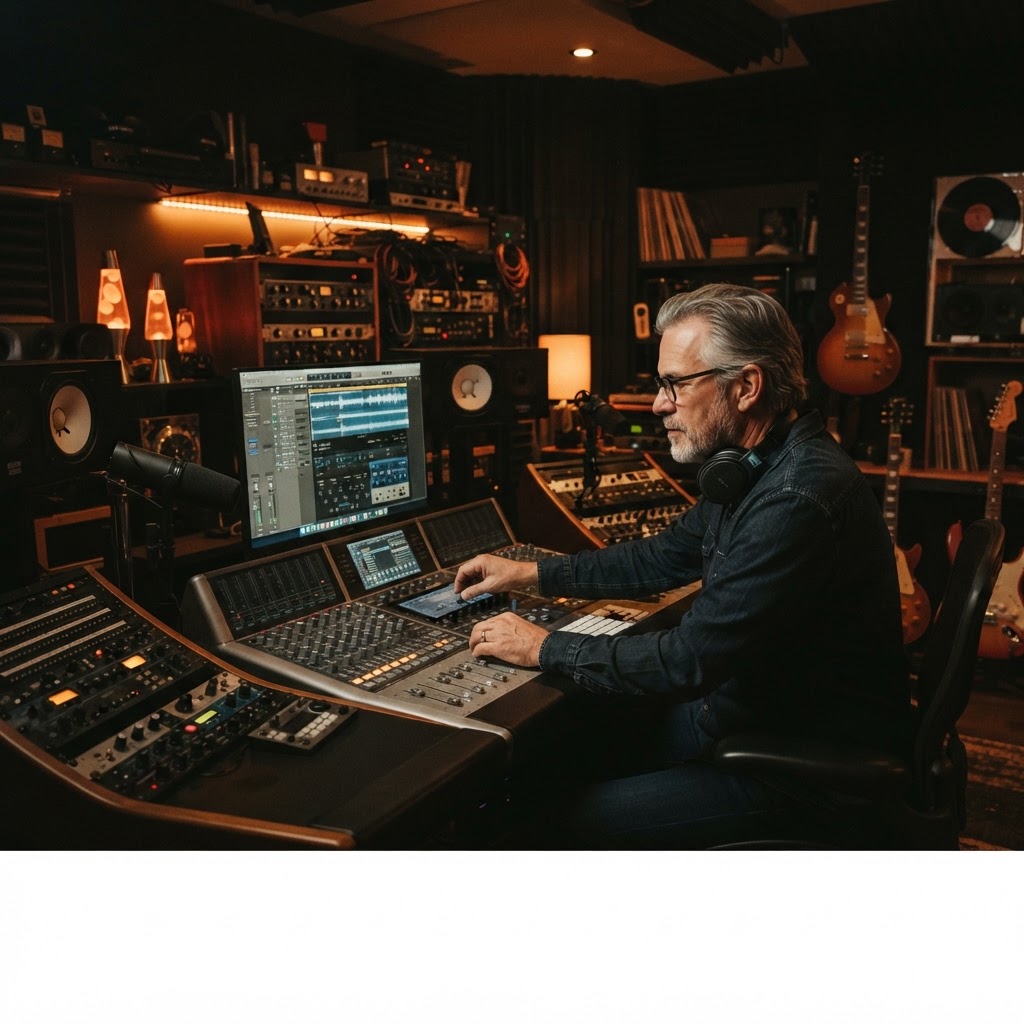
I’ve been behind a mixing console for over forty years. I started in the era of two-inch tape, where if you wanted to 'undo' something, you literally had to use a razor blade and some adhesive tape. I’ve seen every 'game-changer' come and go, from the first digital delay units to the rise of Pro Tools. Now, everyone is talking about AI. Some folks are terrified it’s going to replace musicians, and others think it’s a magic button that turns a bad song into a hit. From where I’m sitting in my Scottsdale studio, neither is true. AI is just another tool in the bag, like a compressor or a soldering iron. If you’re a beginner, you shouldn't be afraid of it, but you should know how to put it to work without letting it take over the driver's seat. \n\nCleaning Up the Mess with Stem Separation \n\nOne of the most practical ways I use AI these days is for stem separation. Back in the day, if a client brought me a finished stereo mix and wanted the vocal turned down, I’d tell them they were out of luck. Today, tools like Lalal.ai or the built-in separation features in modern DAWs are like magic. They use neural networks to look at a waveform and identify what’s a drum, what’s a bass, and what’s a vocal. For a student of mine, this is the ultimate practice tool. You can take your favorite record, pull the guitar out, and play along with the actual rhythm section. It’s also a lifesaver when you’re dealing with a 'found' recording—maybe a rehearsal tape where the keyboard was way too loud. You can use AI to rebalance those elements just enough to make a usable demo. It’s not perfect, and you’ll hear some digital artifacts if you push it too hard, but for cleaning up a mess, it beats anything we had in the 80s. \n\nThe AI Assistant in Your DAW \n\nThen there’s the 'Assistant' tech you’ll find in plugins like iZotope’s Neutron or Ozone. I hear some old-school engineers grumble that this is 'cheating.' That’s nonsense. Think of these AI assistants as a junior engineer who does the grunt work for you. When you click 'Learn' on an AI EQ, the software analyzes the frequency spectrum and suggests where things are clashing. It might see that your kick drum and your bass guitar are fighting for the same 60Hz space and suggest a cut. Does that mean you just click 'Apply' and go get a coffee? No. You look at what it suggested, listen closely, and decide if it actually sounds better. It’s a great way to get a 'second set of ears' when you’ve been mixing for six hours and your ears are fatigued. It gets you 80% of the way there in ten seconds, leaving you more energy to focus on the creative stuff—the stuff the computer can’t feel. \n\nProtecting the Human Groove \n\nThe danger with AI isn't that it's bad; it's that it's too perfect. AI loves a grid. It loves perfectly tuned vocals and drums that hit exactly on the beat. But music—real music—lives in the imperfections. It’s the slight drag on a snare hit or the way a singer’s voice cracks a little on a high note. That’s where the emotion is. When you use AI tools for pitch correction or 'smart' quantization, use a light touch. If you let the machine iron out every wrinkle, you’ll end up with something that sounds like elevator music. I always tell my students: use the technology to remove the distractions, but leave the character. If a vocal is a little sharp, fix it. But if that vocal has a raw, shaky energy that makes you feel something, leave it alone. The goal of a sound engineer isn't to make something perfect; it's to make something move people. Don't let a bunch of algorithms talk you out of a great performance just because it doesn't fit a standard curve. \n\nTechnology changes, but the physics of sound and the way a human heart responds to a melody don't. Use the robots to handle the math, so you can focus on the music. \n\nDon't let the tools intimidate you; the soul of the song still starts and ends with you.
EAR-TRAINING FIELD TRIP
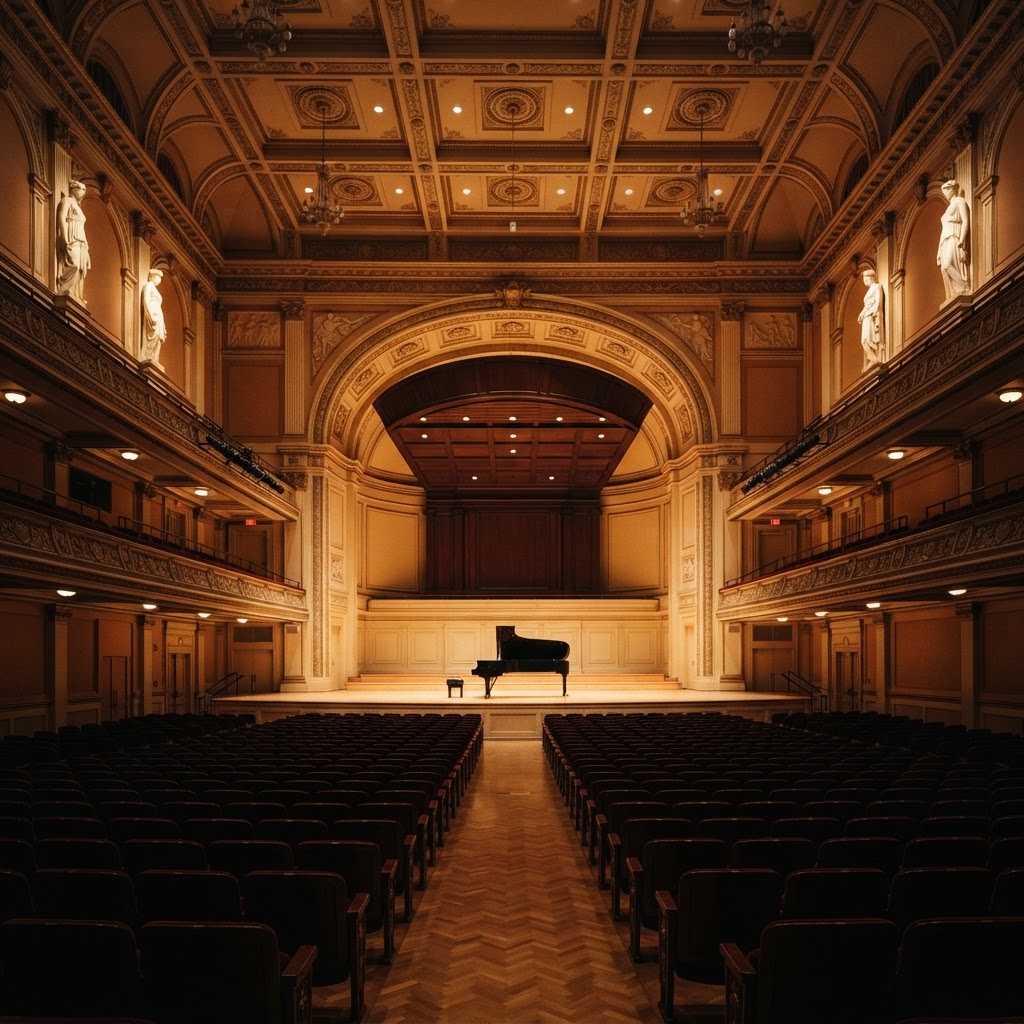
Boston, MA, USA
Symphony Hall
YOUR EXERCISE HERE
Find a seat in the middle of the orchestra section and close your eyes during a quiet passage. Listen specifically for the decay of the high-frequency transients—like a triangle or a violin pluck—and notice how the hall's natural reverberation time supports the sound without turning it into mud. This is the gold standard for natural acoustic clarity that we try to emulate with digital plugins.
Free Listening Worksheet
5 questions on sound & music (2 fill-in-the-blank). Take it to the venue.
Get the six cheat sheets — free
One page each for room acoustics, gain structure, live sound, mixing, mic placement and guitar setup. The numbers and the moves, nothing else.
No spam. Unsubscribe anytime.
You Just Read the Free Version.
The full Sound Check course turns this into a system — 8 modules, 6 hours, a room that finally sounds right.
ENROLL NOW — $97