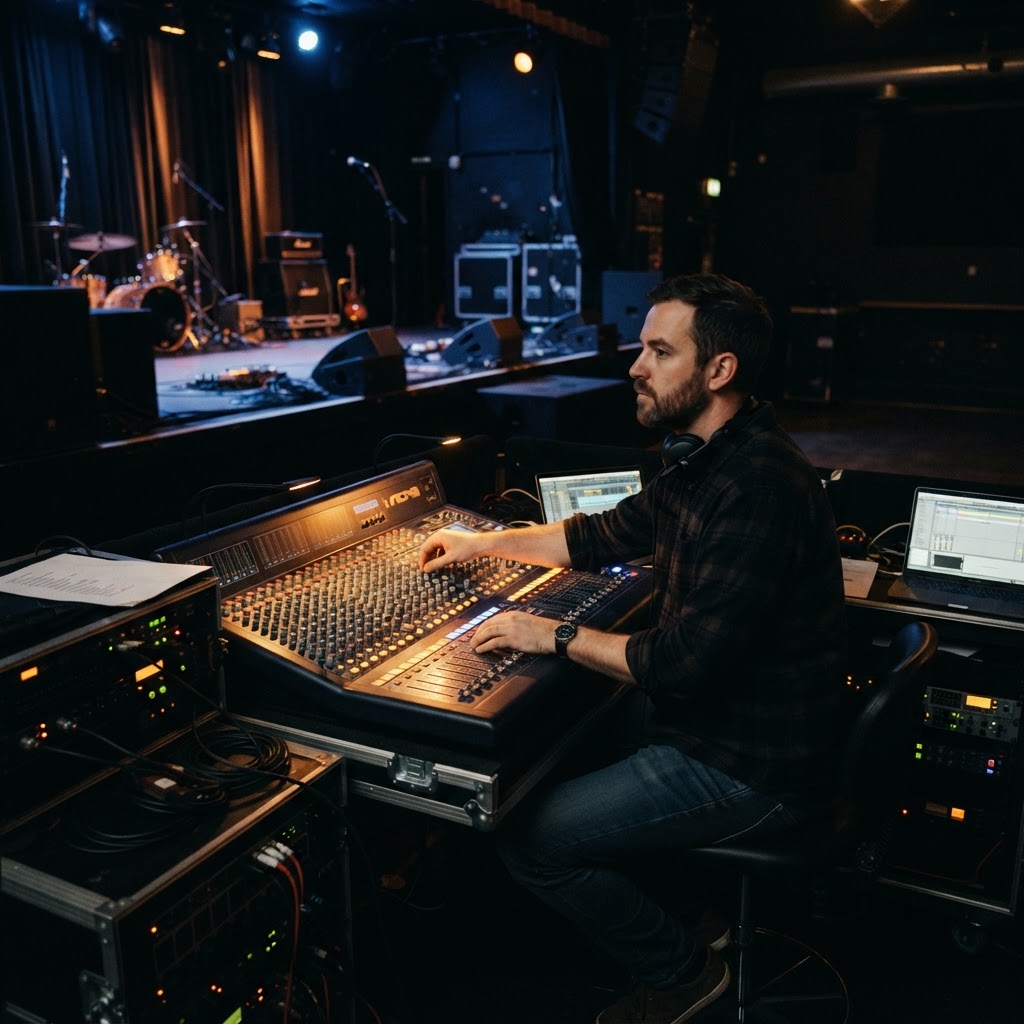
LIVE SOUND
Mastering the Stage: Stopping Feedback Before It Starts
Forty years in the trenches have taught me that feedback isn't a mystery; it's a lack of discipline. Here is how to keep your stage sound clean, controlled, and professional.
Look, I’ve spent the better part of four decades standing behind mixing consoles in everything from dive bars in Scottsdale to festival stages under the desert sun. I’ve heard every screech, whine, and howl known to man. If there is one thing I tell my students in 'Sound Check with Bob,' it is this: feedback is rarely a mystery. It is almost always a result of bad habits. You don't need a PhD in physics to stop it; you just need to understand the relationship between your mic and your monitors. Let's get to work.
Mind Your Geometry and Mic Technique
The most common mistake I see is a singer pointing the microphone directly at the wedge monitor. It seems obvious, but under the heat of a performance, nerves kick in and people forget the basics. Your microphone has a 'dead zone,' usually at the back or the sides depending on the polar pattern. Know your equipment. If you are using a standard cardioid dynamic mic, the back of the mic should be facing the monitor wedge. If you start drifting and the back of your mic starts catching sound from that speaker, you are inviting a feedback loop. Stay consistent with your distance from the diaphragm, too. A consistent sound check is useless if you decide to pull the mic four inches away when the energy spikes. Your gain staging relies on that distance remaining stable throughout the set.
The Art of Surgical Gain Management
Too many performers think 'louder' is always 'better.' It isn't. When you ask the sound engineer to turn up your monitor, you are often pushing the system toward the threshold of stability. If the room is ringing, the answer isn't to push more gain; it is to cut specific frequencies. Learn to love the EQ. Usually, that shrill feedback is caused by a boost in the 2kHz to 4kHz range. If you find yourself consistently needing more volume to hear your vocal, ask the engineer to carve out some of those piercing high-mids from your monitor mix instead of boosting the overall volume. This clears up the 'mud' and gives you clarity without triggering the system to howl. Remember, if you can’t hear yourself, communicate. Don't just yell louder, because that just pushes the mic output to the point where the monitors have to work harder, which creates more feedback. It is a vicious cycle you need to learn to break early.
Check the Room and Keep Your Stage Tidy
A tidy stage is a safe stage. I have seen vocal mics placed too close to guitar amps or high-frequency side-fills, creating bleed that feeds back the moment someone pushes the master fader. If you are a guitarist, be mindful of where your amp is throwing sound. If your amp is firing directly at the vocal mic, no amount of EQ in the world will stop that phase interaction. Keep your sound sources separated. Use the stage layout to your advantage. If a specific wedge is causing grief, angle it slightly so it doesn't fire directly into the mic’s pickup area. We are trying to keep the signal-to-noise ratio in our favor. If you have an empty mic stand, keep the mic tilted away from the monitors. Those small adjustments turn a chaotic, squealing stage into a professional environment where you can actually focus on your performance rather than dodging sonic landmines. Stick to these habits, and you will spend your night making music instead of fighting the PA.
EAR-TRAINING FIELD TRIP

Nashville, TN, USA
Ryman Auditorium
YOUR EXERCISE HERE
Find a seat in the wooden pews and close your eyes during the soundcheck. Listen specifically for how the room's natural resonance interacts with the vocal monitor levels, and try to identify the exact moment the gain approaches the threshold of feedback.
Free Listening Worksheet
5 questions on sound & music (2 fill-in-the-blank). Take it to the venue.
You Just Read the Free Version.
The full Sound Check course turns this into a system — 8 modules, 6 hours, a room that finally sounds right.
ENROLL NOW — $97