LIVE SOUND
Stop Fighting Your Monitors: A Pro's Guide to Better Headphone Mixes
Getting a clear headphone mix isn't about volume—it's about clarity and space. Here is how I set it up without the headache.
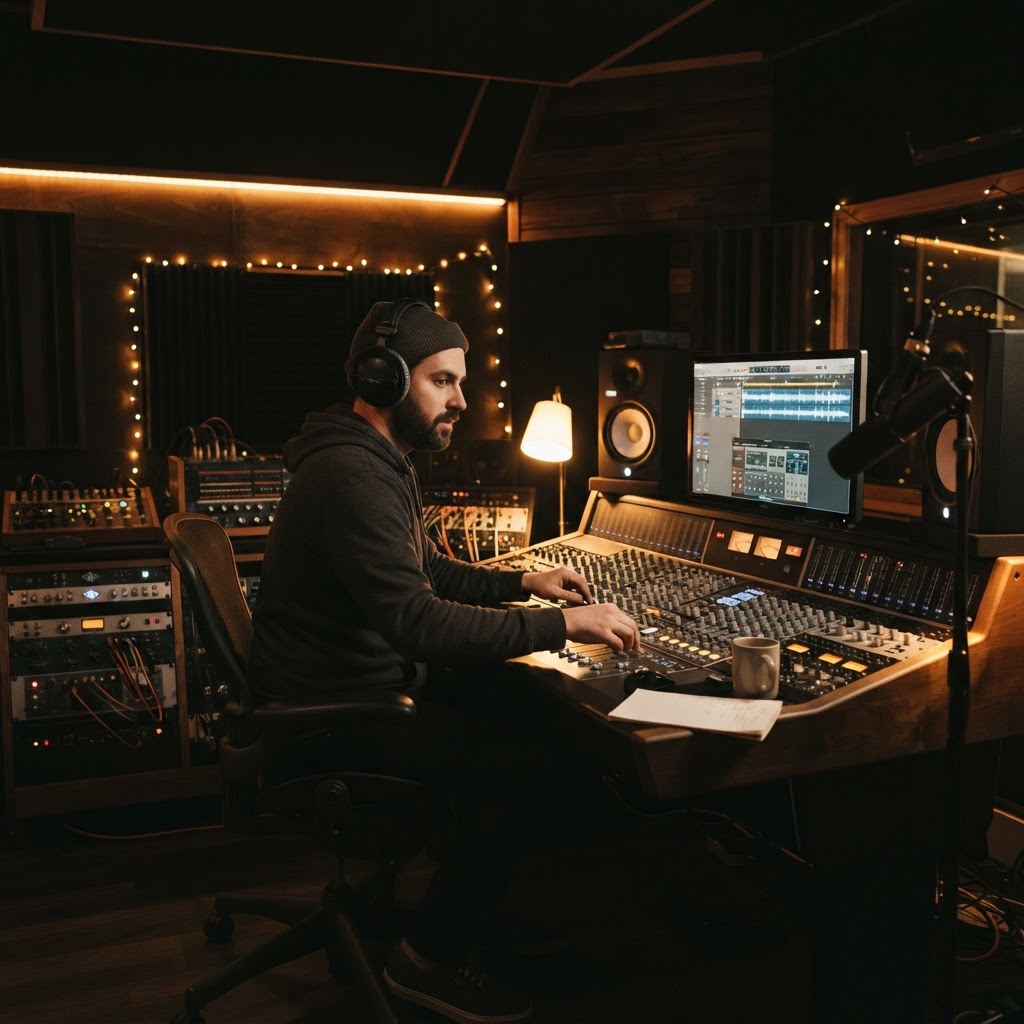
I’ve spent four decades standing behind mixing consoles, and if there is one thing that ruins a performance faster than a bad room, it’s a performer who can’t hear what they need. If you're struggling with your headphone mix, stop reaching for the master volume knob. You are probably just masking the problem.
The 'Less is More' Rule for Tracking
Most beginners think they need to hear everything in their headphones to feel 'in' the music. That is a trap. If you are tracking vocals, you need the rhythm section and your own voice—that is it. If you put the entire dense arrangement into your ears, your brain works overtime to process information, and your pitch suffers. I always start by pulling everything down to zero. Then, I bring up the kick and the snare just enough to lock in the groove. Finally, I add the lead instrument or vocal. If you can’t hear yourself clearly, don't turn yourself up; turn the other tracks down. It saves your ears and forces you to perform with more dynamics.
Frequency Carving and Spatial Positioning
If you have a digital mixer, stop using the headphone mix as a 'loud' version of the front-of-house mix. Use a dedicated bus. I like to apply a quick high-pass filter on everything that isn't the kick or bass. It cleans up the 'mud' that makes headphones sound claustrophobic. If you are using stereo headphones, use the pan pot. Don't leave everything dead center. If the guitar is panned slightly left and the keys slightly right, your brain can isolate the instruments much faster. You aren't mixing for a record; you are mixing for a performance. Give your brain as much spatial help as you can so you can focus on the music, not the mix.
The Comfort Factor
I see so many performers take one ear cup off while they play. That usually means your mix is too loud or too dry. If it is too loud, turn it down until you hear your own voice resonate in your skull. If it is too dry, add a touch of room reverb. It doesn't need to be fancy—a short plate or room preset works wonders. It gives the sound some 'air' and makes it feel less like someone is screaming directly into your ear canal. Remember, the goal of the monitoring system is to get out of the way. If you notice your gear, you aren't playing your best. Take five minutes to build a focused, clean mix, and I promise you will sing and play with more confidence.
EAR-TRAINING FIELD TRIP

Nashville, TN, USA
Ryman Auditorium
YOUR EXERCISE HERE
Find a seat in the balcony and close your eyes while a live performance is happening. Focus specifically on how the natural reverberation of the room interacts with the direct sound from the stage, and try to identify how much of the vocal clarity you hear is coming from the house speakers versus the room's own acoustic projection.
Free Listening Worksheet
5 questions on sound & music (2 fill-in-the-blank). Take it to the venue.
Get the six cheat sheets — free
One page each for room acoustics, gain structure, live sound, mixing, mic placement and guitar setup. The numbers and the moves, nothing else.
No spam. Unsubscribe anytime.
You Just Read the Free Version.
The full Sound Check course turns this into a system — 8 modules, 6 hours, a room that finally sounds right.
ENROLL NOW — $97