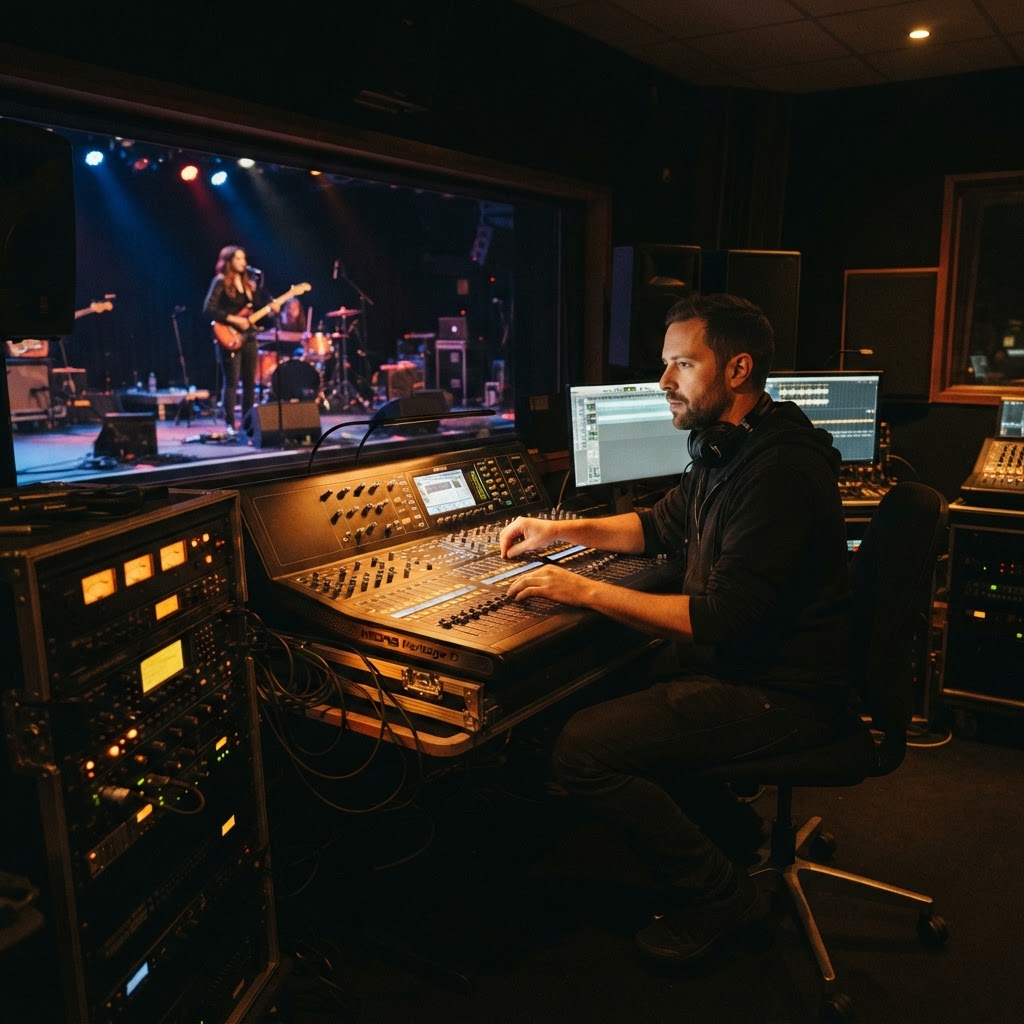
LIVE PERFORMANCE
Stop the Squeal: A Pro's Guide to Feedback-Free Stages
Learn how to manage your stage volume and microphone placement to kill feedback before it ruins your set.
Hey there. I'm Bob Williams. After four decades behind the console in Scottsdale and beyond, I’ve seen just about every sound disaster you can imagine. The one that ruins the most nights? Uncontrolled feedback. It isn't some mysterious curse; it’s physics, and it’s manageable. If you want to stop that piercing screech, you need to stop fighting the room and start working with it. Understand the Source Feedback occurs when a microphone picks up sound coming from a speaker and sends it back into the system, creating a loop. The faster you kill the loop, the better you sound. The golden rule here is microphone placement. If your vocal mic is sitting directly in front of your floor monitor, you are essentially aiming a megaphone at a sensitive ear. Move the mic or angle the monitor. Better yet, get that monitor off the floor and on a stand angled toward your ears, not your chest. Keep your gain structure clean, too. If you are redlining your preamp just to hear yourself, you are inviting trouble. Managing Stage Volume The biggest enemy of a clean mix is a loud drummer and a guitarist who thinks he is at Wembley. If you can’t hear yourself, don't just reach for the volume knob on your monitor. Ask the band to turn down. If the stage is deafening, the FOH (front of house) engineer is fighting a losing battle. Use your ears to find the sweet spot where the band feels tight without feeling like a wall of noise. I always tell my students in 'Sound Check with Bob' that stage volume is a conversation, not an argument. When everyone plays at a reasonable level, the monitors don’t have to work as hard, and feedback stays under control. Strategic EQ Adjustments When feedback does strike, don't just reach for the master fader. Identify the frequency. Is it a low rumble or a high-pitched whine? If it's a high-frequency squeal, pull back the high-mids on the channel EQ. If it's a boomy feedback, cut the lows. A quality graphic EQ on your monitor send is your best friend here. It allows you to 'ring out' the room before the audience arrives. Simply turn up your monitor volume until you hear the first hint of a ring, then gently cut that specific frequency on the EQ. Repeat this for the two or three most problematic frequencies, and you’ll have a stable, loud monitor mix all night. Remember, keep your mic behind the speakers, keep your stage volume in check, and stay focused on the mix. You have total control over your sound once you respect the physics of the stage. A great performance starts with a clean signal chain and ends with you being heard clearly.
EAR-TRAINING FIELD TRIP

Nashville, TN, USA
Ryman Auditorium
YOUR EXERCISE HERE
Find a seat in the main floor pews and close your eyes while the house music is playing. Listen specifically for how the sound reflects off the wooden surfaces and try to identify if you can hear the 'tail' of the room's natural reverb before the next beat hits.
Free Listening Worksheet
5 questions on sound & music (2 fill-in-the-blank). Take it to the venue.
Get the six cheat sheets — free
One page each for room acoustics, gain structure, live sound, mixing, mic placement and guitar setup. The numbers and the moves, nothing else.
No spam. Unsubscribe anytime.
You Just Read the Free Version.
The full Sound Check course turns this into a system — 8 modules, 6 hours, a room that finally sounds right.
ENROLL NOW — $97