LIVE SOUND
Stop the Squeal: A Veteran’s Guide to Taming Stage Feedback
Learn how to manage stage volume and microphone placement to kill feedback before it ruins your performance.
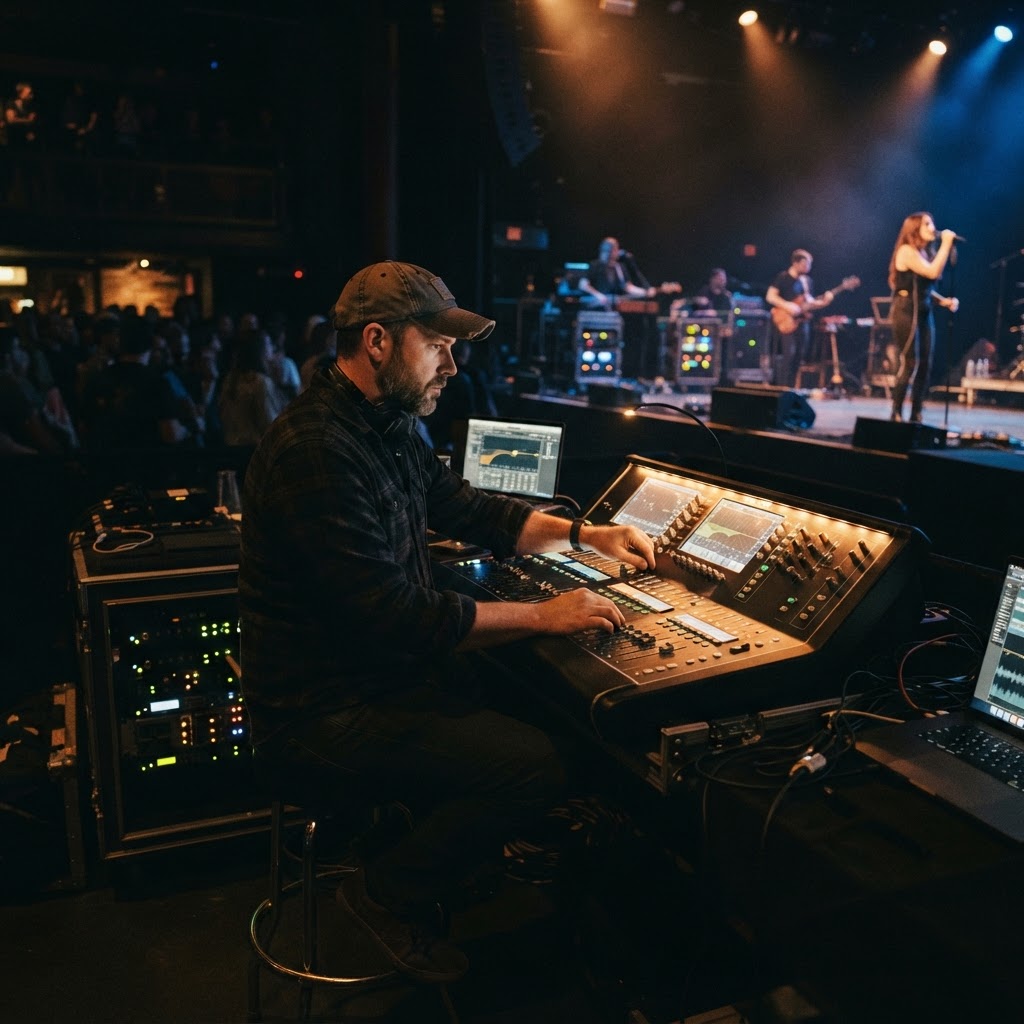
Listen, I’ve spent over four decades behind the console, and if there is one thing that ruins a gig faster than a bad attitude, it is that piercing high-pitched whine of feedback. You’re trying to pour your soul into a song, and suddenly, the room is screaming at you. I’ve been there, and I’ve fixed it thousands of times. Here is how you keep control of your stage without losing your edge. Respect the Inverse Square Law The biggest mistake beginners make is thinking more volume equals more presence. It does not. If your amp is pointed directly at the back of your vocal mic, you are practically begging for feedback. Remember, sound drops off fast as you move away, but gain increases exponentially as you move toward a source. Get your amps off the floor and tilt them back toward your ears. If you can hear yourself clearly, you don't need to push your stage volume to dangerous levels. A quieter stage makes for a cleaner mix every single time. Mic Technique is Your First Line of Defense Most people treat a microphone like a decorative prop. It is a precise tool. If you are a vocalist, get close to the capsule. I mean really close. If you are eating the mic, you can keep your gain lower, which gives you much more headroom before feedback hits. Also, pay attention to your polar patterns. Most stage mics are cardioid, meaning they reject sound from the rear. If you are standing directly in front of your floor monitor, you are creating a feedback loop. Offset your monitors to the sides of the mic stand so the 'dead' zone of the microphone is pointed right at the speaker. It is a simple geometry trick that saves lives. Communication Beats Troubleshooting A lot of feedback happens because the stage is essentially an arms race. The guitarist turns up, so the singer asks for more in the monitor, then the drummer hits harder to hear over the guitars. Stop it. Before you play a single note, set a comfortable level for everyone. If you cannot hear yourself at a reasonable volume, ask the sound person to cut the frequencies that are masking you rather than just cranking your overall level. Cutting muddiness at 200Hz or harshness at 3kHz often clears up space in the mix, letting you hear everything without needing to blow the roof off the building. Work with your sound tech, not against them. If you follow these steps, you will stop fighting your gear and start focusing on the music. Feedback is just a lack of control; take back that control, and your performance will shine.
EAR-TRAINING FIELD TRIP

Nashville, TN, USA
Ryman Auditorium
YOUR EXERCISE HERE
Find a seat in the balcony and close your eyes while a band is playing to isolate the direct sound from the stage versus the room's natural reflections. Listen for how the hard plaster walls and curved pews diffuse the high frequencies, creating a smooth, natural decay rather than a harsh, muddy echo.
Free Listening Worksheet
5 questions on sound & music (2 fill-in-the-blank). Take it to the venue.
Get the six cheat sheets — free
One page each for room acoustics, gain structure, live sound, mixing, mic placement and guitar setup. The numbers and the moves, nothing else.
No spam. Unsubscribe anytime.
You Just Read the Free Version.
The full Sound Check course turns this into a system — 8 modules, 6 hours, a room that finally sounds right.
ENROLL NOW — $97